Lipstick
Compare shades and finishes such as matte, satin or gloss, and try selected shades on the lips where supported.
Shoppers can compare shades and finishes, then try selected makeup virtually before they buy.
Tell us which product range you would start with and what shoppers need to see before they choose.
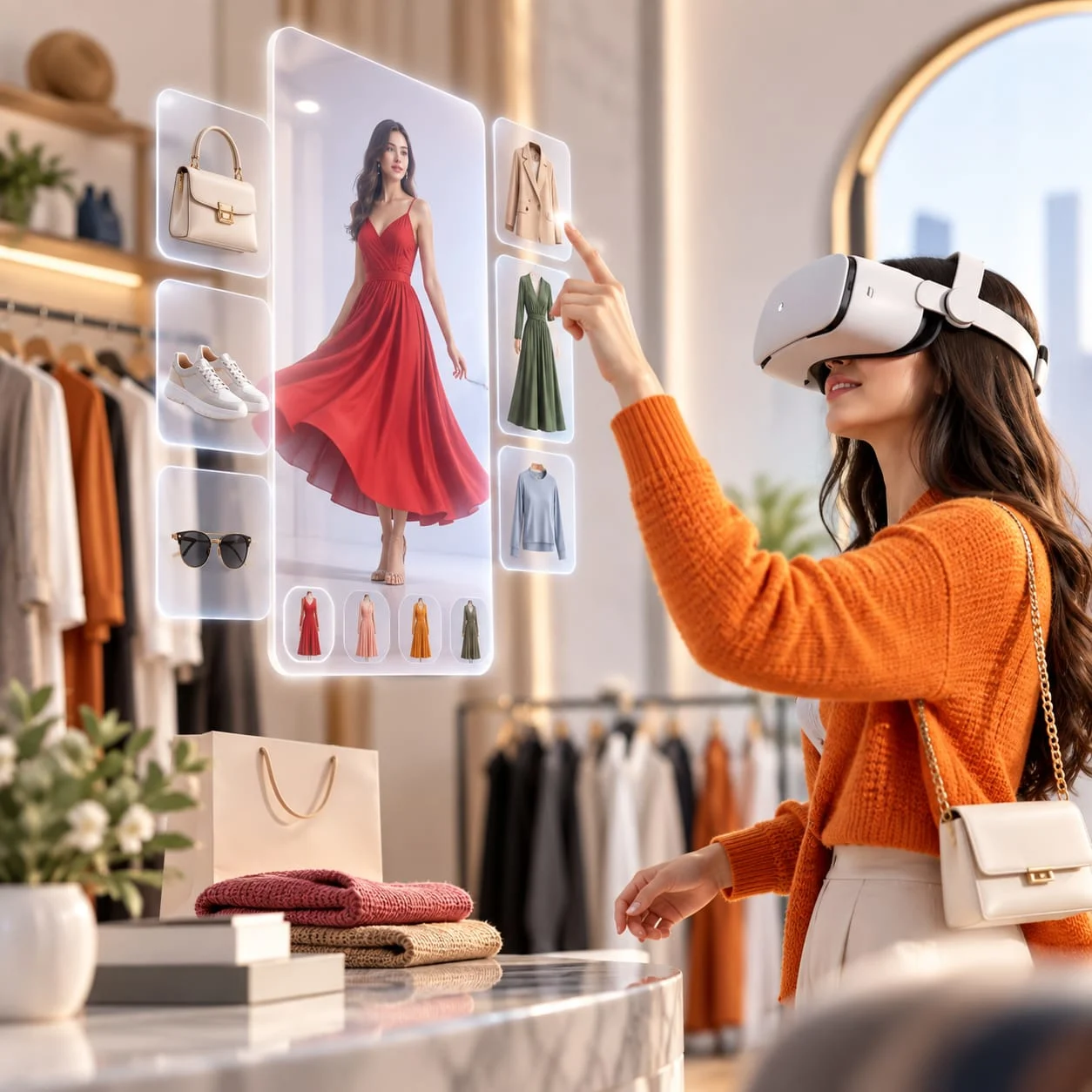
A shopper cannot swatch a lipstick or test a foundation through a screen, so the decision rests on seeing the shade, the finish and the packaging clearly. 3D beauty product visualisation, shade comparison and, where supported, virtual makeup try-on help them choose with more confidence.
A 3D viewer shows the pack, the product shape and fine details such as caps, labels and textures up close.
Illustrative image only. It is not a live virtual makeup try-on or shade configurator.
Compare shades and finishes such as matte, satin or gloss, and try selected shades on the lips where supported.
Show the shade range, pack and finish clearly. Shade matching here is a visual aid, not a skin assessment.
Browse palette shades and finishes, with try-on only where the product and device support it.
Bottle shape, glass, cap and label detail can be inspected from every side.
A 3D beauty product configurator shows the shades and finishes the range is actually sold in, so what shoppers see matches what they receive.
Camera-based try-on shows selected products on the shopper's face. It depends on suitable assets and device support, and no certified shade match is offered here.
Close-up views show caps, labels, textures and finishes. A zoomed photo alone cannot show how a shade looks on a face.
Let customers inspect products from different angles.
Pick available colours, materials, finishes and components.
Let shoppers try on selected products virtually before buying.
Convert flat pages into an interactive product catalogue that buyers browse.
First, the details customers need to know, such as materials and options, are collected.
Photorealistic 3D rendering and CGI product imagery for campaigns, adverts and online stores.
Use AR, 3D and WebAR to present footwear campaigns across digital channels.
Interactive reveals, digital coupons, reward mechanics and promotional experiences.
Accurate shade references, finish details, packaging views and the products or devices where try-on is supported.
Pick one range and one question shoppers often ask, such as which shade suits them. The shades, finishes and product media are reviewed first, and more products can follow.
No. Try-on depends on the product type, the quality of the assets and the shopper's device. Selected products such as lipstick are checked first, and anything that cannot be shown accurately stays as a 3D view or shade comparison.
No. They are samples that explain the approach. Nothing is released until the shades, finishes and delivery have been verified against your actual range.
How it is delivered, how it behaves on different devices and where an enquiry is sent are agreed with your website team. Product and shade information stays linked to the systems you already use.
Tell us which product range you would start with and what shoppers need to see before they choose.
Book a Demo