Explore
Move from the complete object to a closer look at texture and construction.
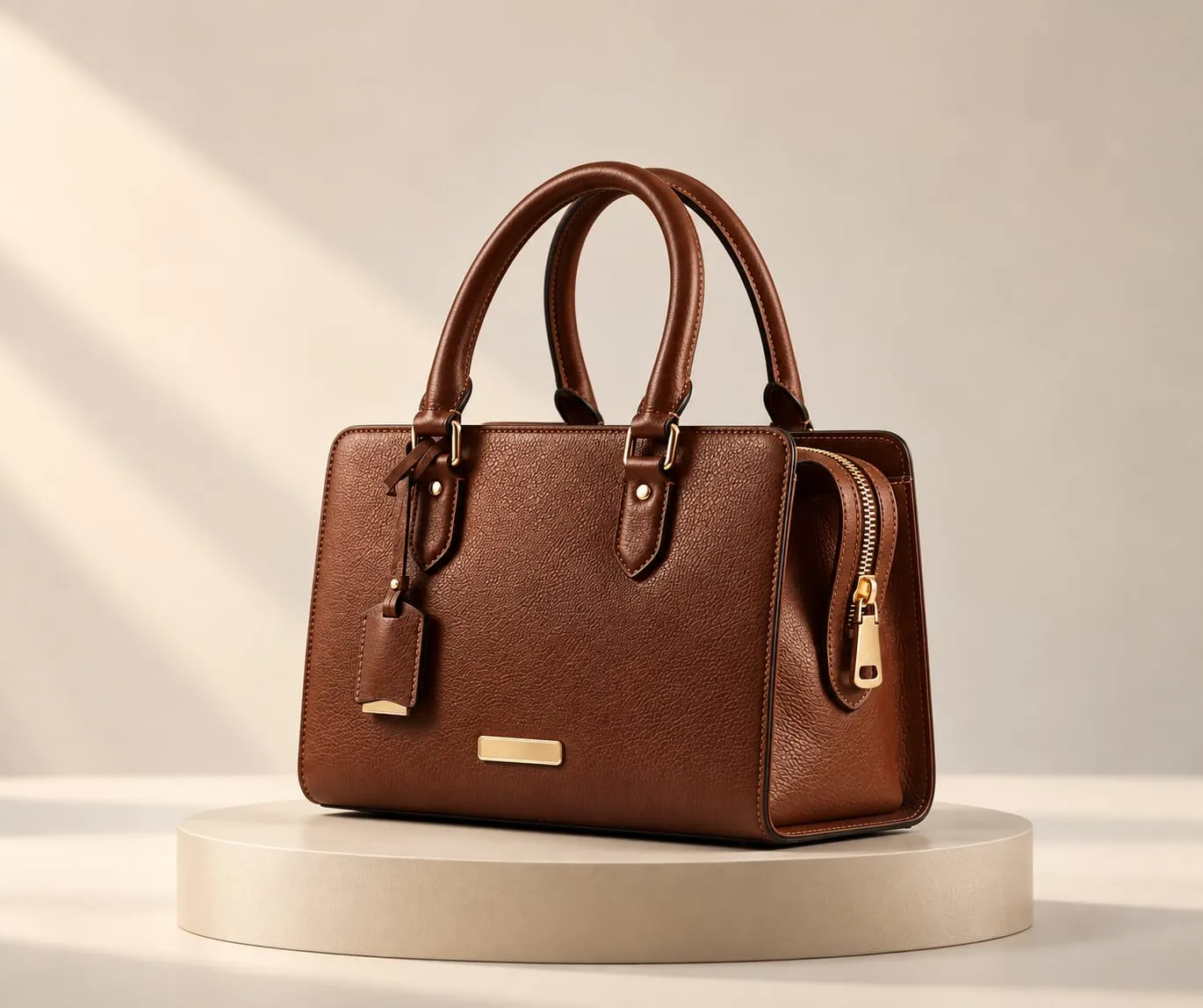 Image preview
Look closerShape & proportion
Help customers inspect products in 3D, explore configured choices and consider supported products in their own surroundings.
A closer look, a visible choice, a sense of setting. Follow the product from detail to context.
Move from the complete object to a closer look at texture and construction.
Image previewTry an illustrative colour choice and see a visible change in the same product.
Image previewIllustrative image colours. Available finishes are defined for each product.
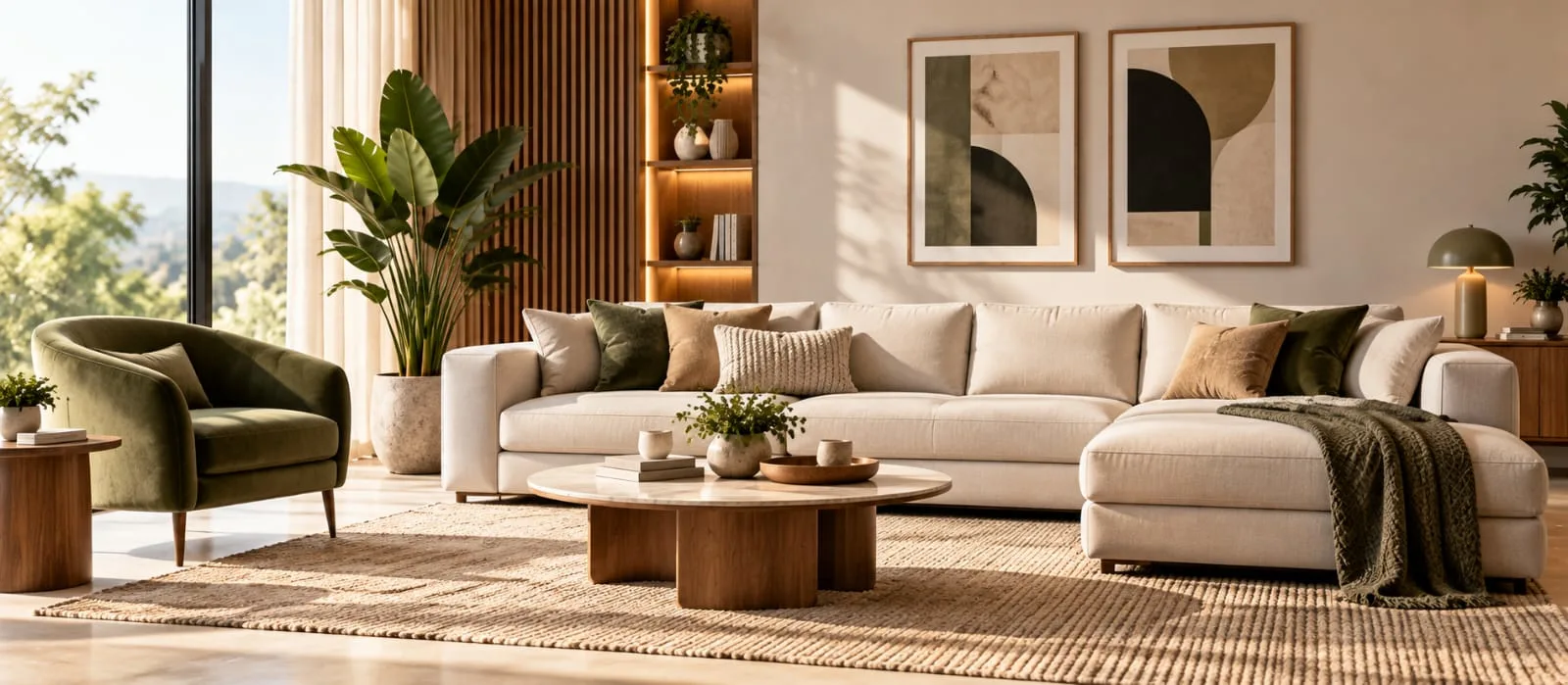
Consider the product in a composed setting. This preview uses no camera or AR.
Image previewA sense of settingContextual composition · no camera or AR required
A face, a finish, a fastening. Let customers move from the whole object to the details that matter.
Use this photographic study to compare the complete watch with a closer view of its surface and construction.
See how inspection works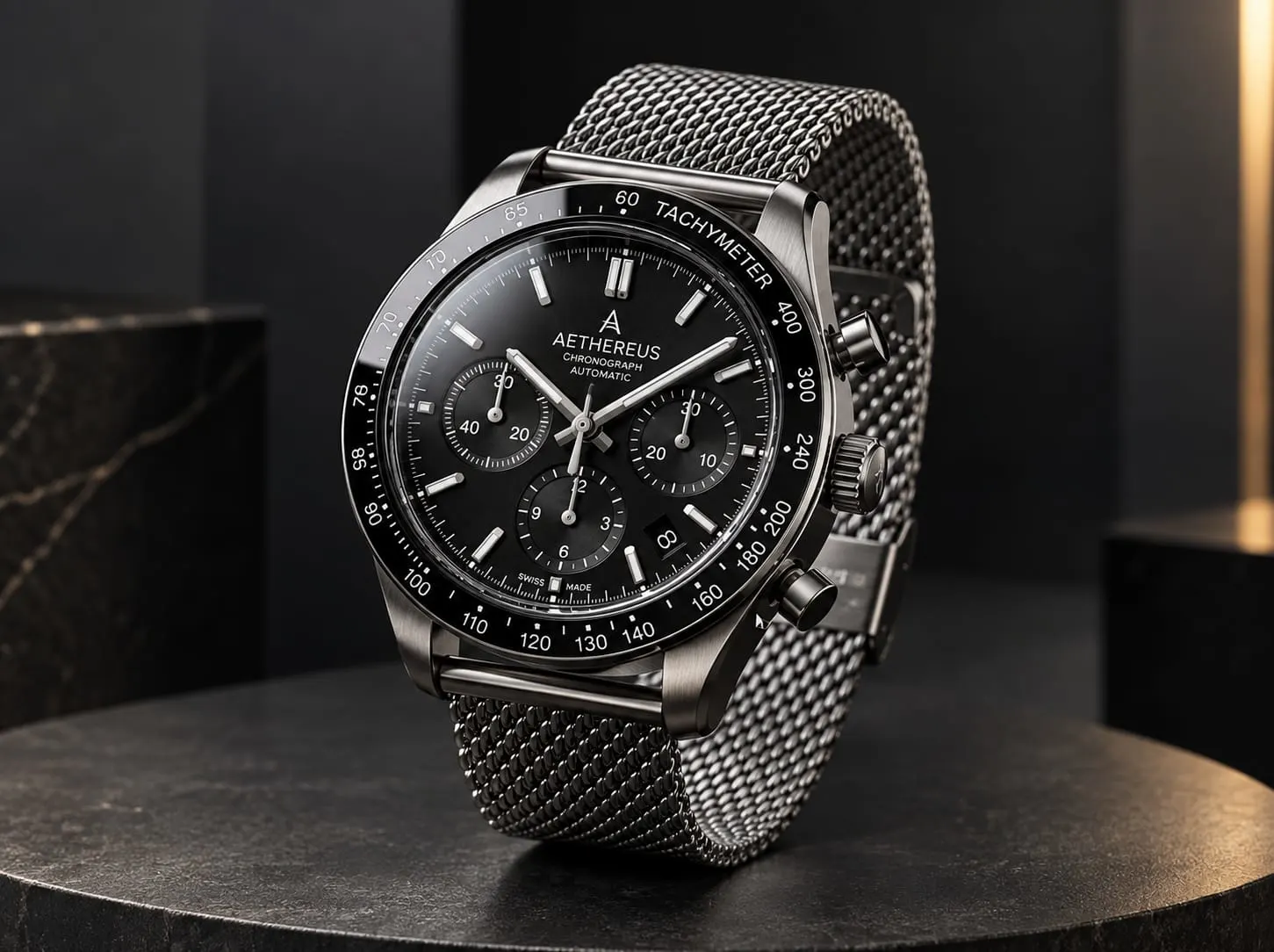 Image preview
Give customers a way to understand shape, material and construction beyond a single photograph.
Product-specific viewing controls can support rotation, zoom and feature explanations when included in the experience.
Explore 3D Product Viewer ↗Show how an authored colour, material, finish or component changes the product.
Start with the valid options in your range. Keep each choice and its visible result together, then define the right enquiry or commerce handoff.
Explore Product Configurator ↗Help customers see supported products in a room or setting before the next conversation.
Device support, placement and scale are confirmed for each product. A useful image remains available when AR cannot run.
Explore AR Product Viewer ↗
Explore a selected footwear preview, then browse the wider collection for product and industry examples.
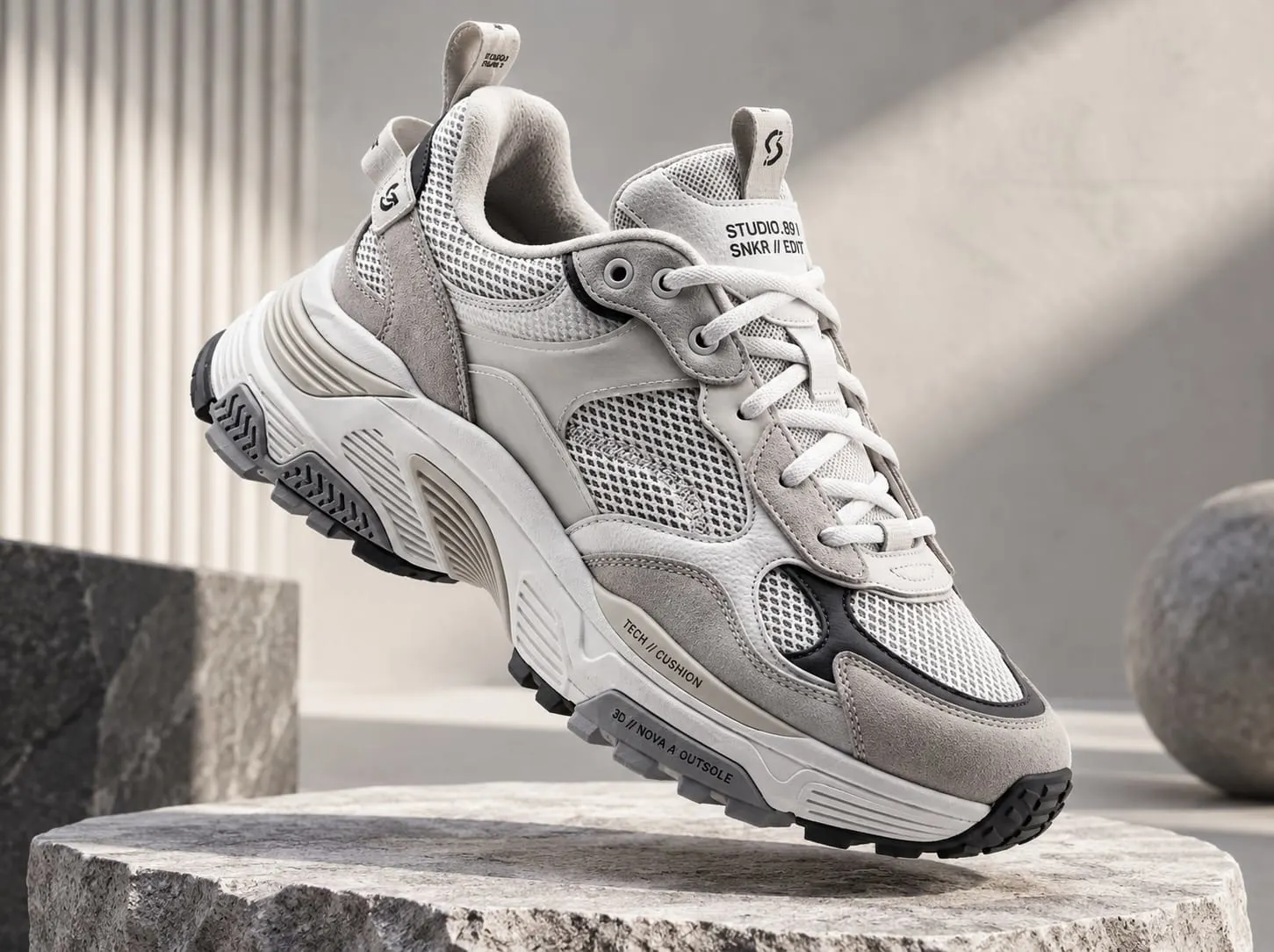
Inspect the silhouette and material details that help a piece feel at home.
Gather product references, materials and the choices customers need to understand.
Give each interaction a purpose: inspect a material, compare an option or understand a proportion.
Start with one product, its audience and the decision you want to help them make.
Book a Demo